+
AI CAD — iOS & Web

Photos & Text
to 3D CAD Models

AI plans and analyzes your part, builds real solid geometry, then lets you auto-improve or type feedback—with your 3D view sent to the model so edits stay on target. Export STL or OBJ for any slicer.

Download for iOS Try Free Web App → See demo ↓
3
Free Designs
STL/OBJ
Export Formats
iOS 18+
iPhone & iPad

How It Works

From idea to export

Same smart pipeline on iPhone, iPad, and the web. No CAD degree required.

1

Describe or photograph

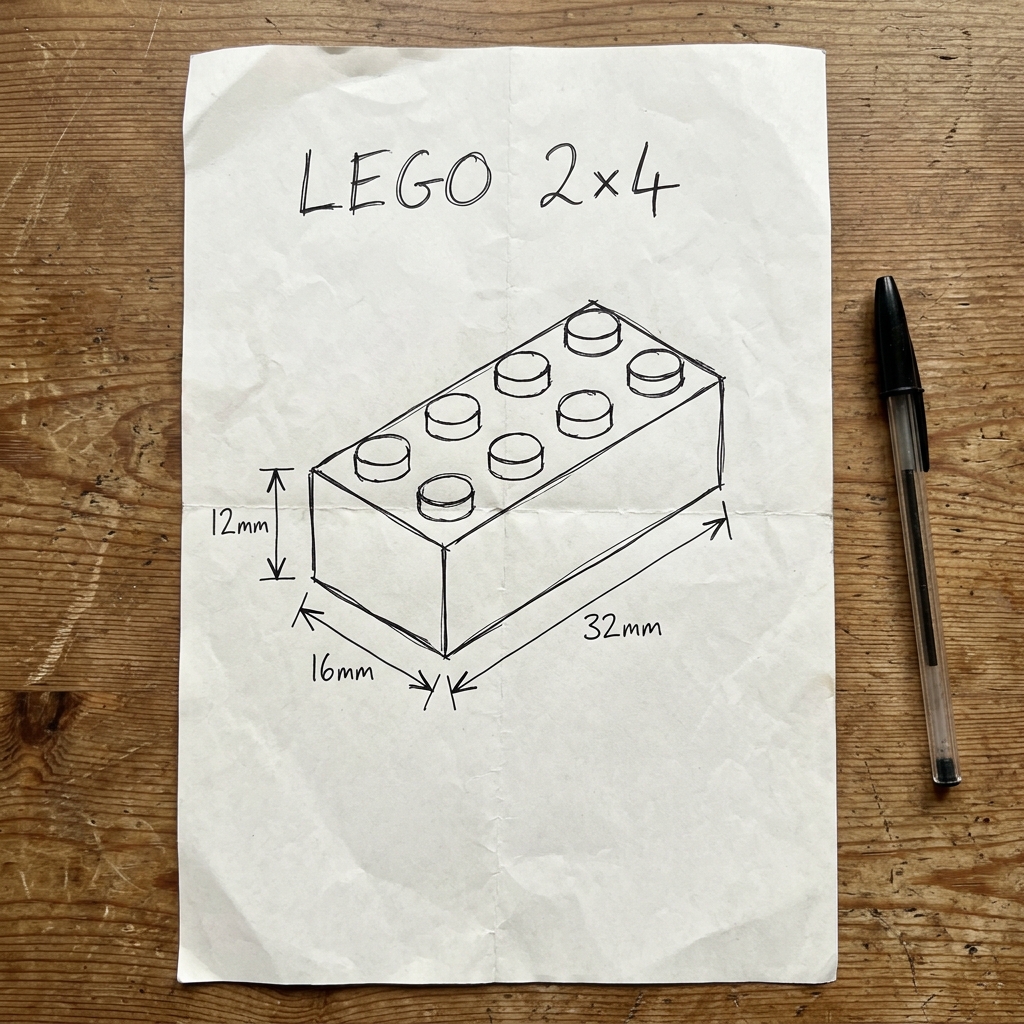
Type dimensions and details, or attach reference photos and sketches.

2

Plan, analyze & build

AI lays out the design, analyzes the shape, generates JSCAD, and tessellates—auto-repair if something breaks.

3

Refine

Approve, run AI auto-improve from multi-angle renders, or type feedback. Revisions use your mesh stats and viewport screenshots.

4

Export & print

STL or OBJ for any slicer or CAD tool. Save to your library or share.

See It In Action

From sketch to 3D model

Auto-playing preview — same flow as the app: plan → build → typed feedback → updated model. Screen-record this page for a quick promo clip.

Designer+

CAD engine ready
Generating...
Generate
Describe your part here, include dimensions...
Your feedback

Your model will appear here

Planning layout…
Looks good Improve further Give feedback
📤 Share
🔖 Save
▸ Generated Script486 verts · 512 tris
Design
Library
Settings
Step 1 · Describe

Type what you want to build

Use plain language and millimeters. The demo uses a simple birdhouse — box, hole, and roof.

Features

Everything you need to design

Professional CAD output without the professional learning curve.

Text to CAD

Describe parts in plain English with millimeters. AI turns it into real solid geometry.

Photo to CAD

Attach sketches or reference shots. The same pipeline uses them in analyze and generate.

Review, improve & feedback

Approve, auto-improve from renders, or type changes—revisions include your viewport and mesh stats.

Plan → analyze → build

JSCAD runs on-device (iOS) or in your browser (web), with automatic repair when scripts error.

STL & OBJ

Export for any slicer or CAD app. Save to your library on iOS.

iOS, iPad & web

Native app for iPhone and iPad, plus a full web workspace—same AI backend.

Why Designer+

Built for everyday makers,
not enterprise budgets

Expensive CAD subscriptions aren't the only way anymore.

🔩

Functional Parts

Brackets, mounts, enclosures, adapters. The stuff you actually need to print. Not movie props, real functional parts.

Skip the Learning Curve

No Fusion 360 tutorials. No Onshape certification. Just describe what you need in plain English.

💰

Affordable

Pro CAD software costs a fortune. Designer+ gets everyday CAD done without breaking the bank.

Who It's For

Built for Makers

Whether you're a mechanical engineer prototyping parts, a maker designing 3D prints, a student learning CAD, or anyone who needs a quick 3D model without complex desktop software. Designer+ gets you from idea to exportable file in seconds.

Pricing

Simple, honest pricing

Try it free. No account needed.

Designer+
Free to Start
See the App Store for subscription pricing
Free designs included. Cancel anytime.
Get Designer+ for iOS Try Free Web App →